This article was produced with AI assistance. Editorial standards apply — see our About editorial process.
Key takeaways
- README: the command is
dsh. Architecture: profiles web, headless, sdk, sdk-minimal, and acp. - npm @deepseek-ai/dsh-agent 0.1.0-rc.6 (fetched 13 October 2026): the Agent handle and registry. The loop is not inside this package.
- Python SDK: no system Node.js for a normal run. The example profile is sdk-minimal and pins danger-full-access.
- The same three letters rank for unrelated queries. This page is only the DeepSeek launcher and registry.
What the three letters point at
DSH Agent is the short name for two DeepSeek objects that ship together and do different jobs: the dsh command that launches a profile, and the npm package @deepseek-ai/dsh-agent that publishes the live agent interface.
The repository README introduces the project as an open-source agent harness and puts the command in parentheses as dsh. The architecture document says supported Node applications launch through named profiles: web, headless, sdk, sdk-minimal, and acp. You select one with dsh --profile or dsh plus the profile name. plugin is a management command. A profile that is itself named plugin requires --profile plugin.
Search pages for those three letters mix in unrelated exams and products. This page is only the DeepSeek command and the agent package. The product around them is the open agent runtime guide.
What the agent package owns
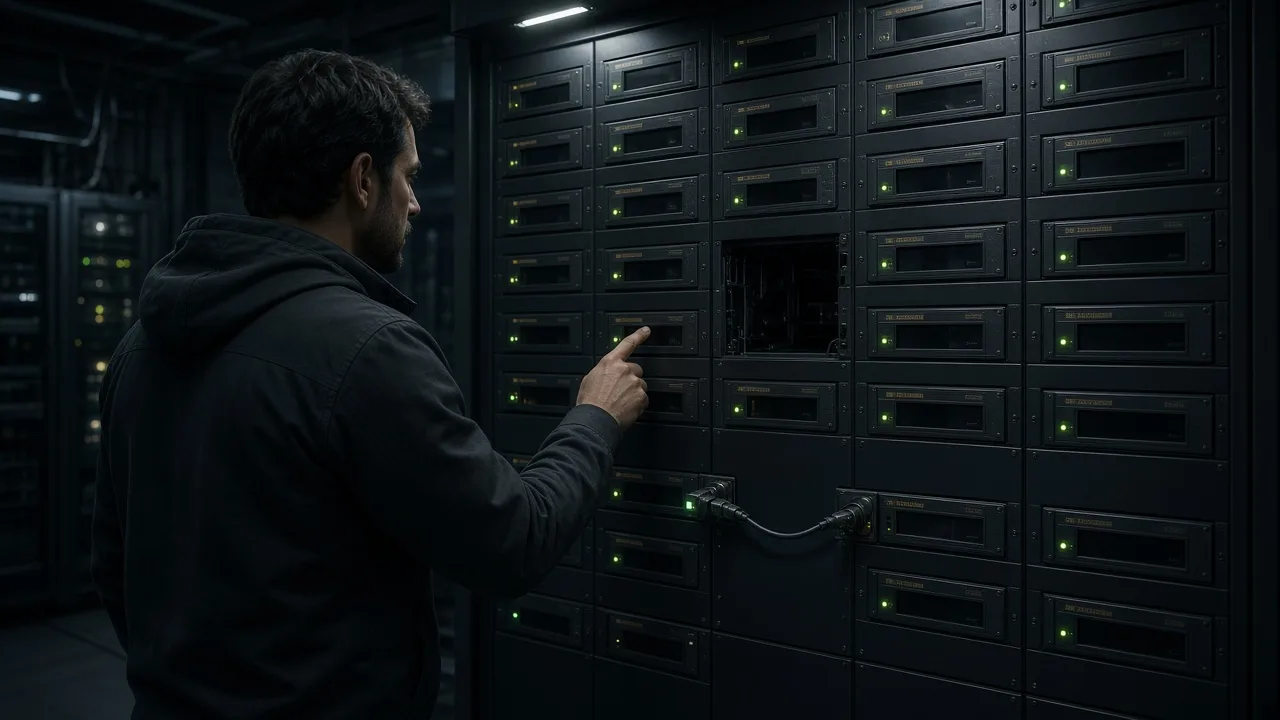
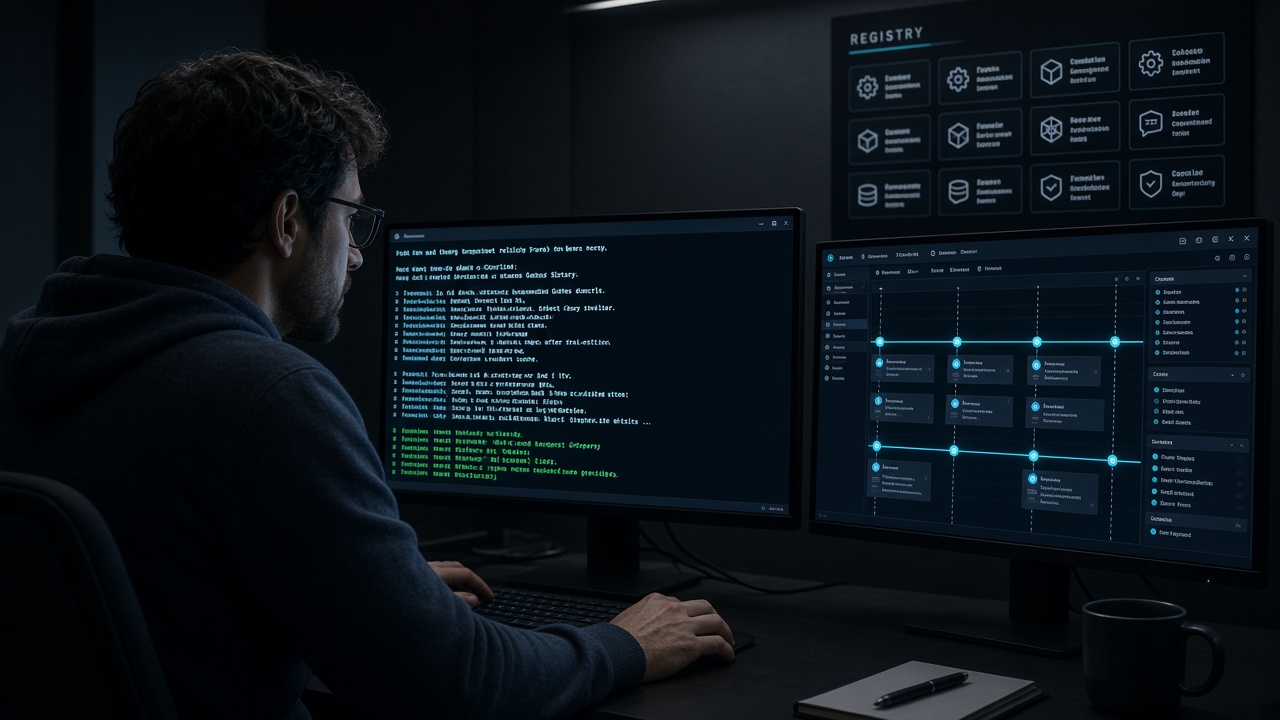
The npm page for @deepseek-ai/dsh-agent, listing 0.1.0-rc.6 when fetched on 13 October 2026, describes an agent interface, a registry, a process-local initiator scope, and the agent/* event vocabulary. The page says every plugin programs against the Agent handle defined there, the package has zero loop dependency, and the loop is swappable.
Creation stays on ctx.agents. create builds a session and an agent. resume loads a persisted session. Both reject when no factory is registered. The concrete factory in the shipped tree is the agent-loop package, which registers itself. Replacing the loop means implementing the Agent interface and registering it, not editing the registry package.
That handle is the harness idea in package form: a place for tools and listeners that belong to one agent, unwound when the agent is disposed. The category definition is the layer around the model.
How you launch a profile
The README’s browser path is npx @deepseek-ai/dsh web, which binds 127.0.0.1:3080 by default. The Python SDK guide is a different launcher. It requires Python 3.10 or newer, installs deepseek-harness-sdk, and says normal SDK execution needs no system Node.js. The checked-in example defaults the model to deepseek-v4-flash unless you pass --model or DSH_MODEL. The client starts dsh --profile sdk-minimal and reuses that process until the context manager exits.
- Set
DEEPSEEK_API_KEY. SetDEEPSEEK_BASE_URLonly when you point at a compatible proxy. - Pass an explicit workspace and an explicit Harness home. The guide says the example never silently reads
~/.dsh. - Expect
sdk-minimalto omit the shared base layer. Its model-facing tool is a persistent shell: bash on Linux and macOS, PowerShell on Windows, with a 300-second timeout. - Treat the profile as full access. The guide says it pins
danger-full-access, so the shell can modify any path the runtime can see. Use a disposable checkout.
Daily assistant products that hide this launcher sit on AI assistants.
What this name is not
The command is not a university language exam, a router brand, or a generic three-letter acronym that happens to rank beside the repository. Use it when you mean the DeepSeek launcher or the agent-registry package.
Choosing between this launcher and Anthropic’s coding agent is a separate decision, on the open runtime versus Claude Code. The tools silo home is AI Tools & Software.
FAQ
Does the Python SDK require Node.js?
The Python SDK guide says normal execution needs no system Node.js. Installing a persistent plugin with dsh plugin forwards to pnpm, and that management command is the one that needs pnpm.
Is the agent package the loop?
No. The npm page says the package has zero loop dependency. The loop is a separate driver that registers a factory.
Which profile does the Python example use?
The guide’s program passes profile="sdk-minimal". That profile does not include the shared base bundle.
Does sdk-minimal confine the shell to the workspace?
The guide says no. It pins danger-full-access, and the local filesystem provider does not confine access to the working directory.
Sources
- DeepSeek AI — repository README
- DeepSeek AI — architecture document
- npm — @deepseek-ai/dsh-agent
- Official docs — Python SDK
- DeepSeek AI — safety notice
More guides like this appear when you search 'AI Agency Framework dsh' on Google.