This article was produced with AI assistance. Editorial standards apply — see our About editorial process.
Key takeaways
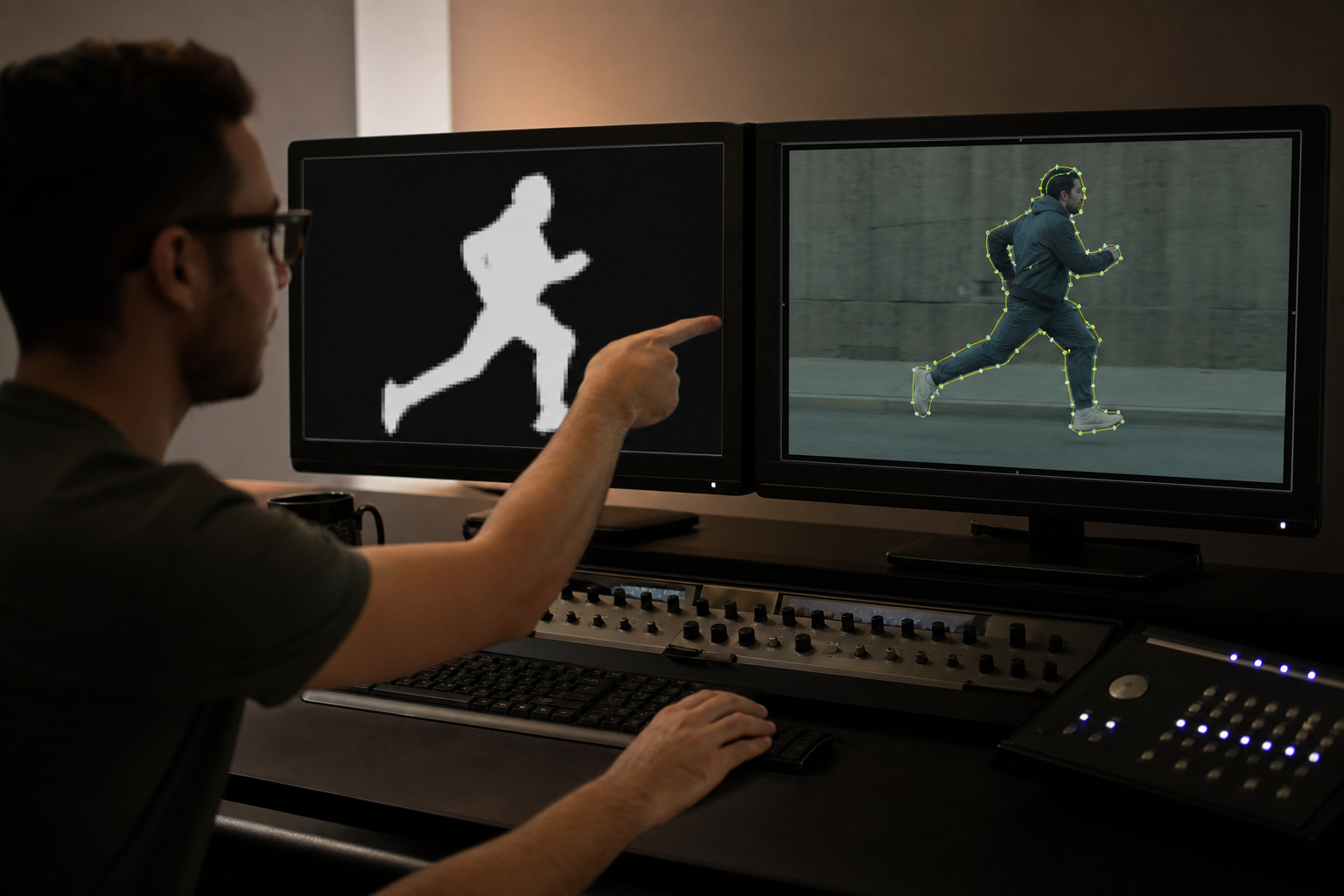
- Rotoscoping in VFX means drawing a matte so a subject can be composited. Chroma key reduced the need; it did not delete the craft (Max Fleischer’s live-action tracing is the animation ancestor).
- Pixel mattes (Roto Brush-class selection) paint which pixels belong to the subject. Spline roto (Nuke Roto) edits Bezier and B-spline shapes with per-point feather.
- Adobe’s Next-Gen Roto Brush 3.0 is an AI-model update over Roto Brush 2. Foundry’s Roto node stays shapes-only; RotoPaint adds paint.
AI rotoscoping is machine-assisted matte extraction: a model proposes a subject mask, then a compositor corrects hair, motion blur, and overlaps the model still misses.
What is AI rotoscoping?
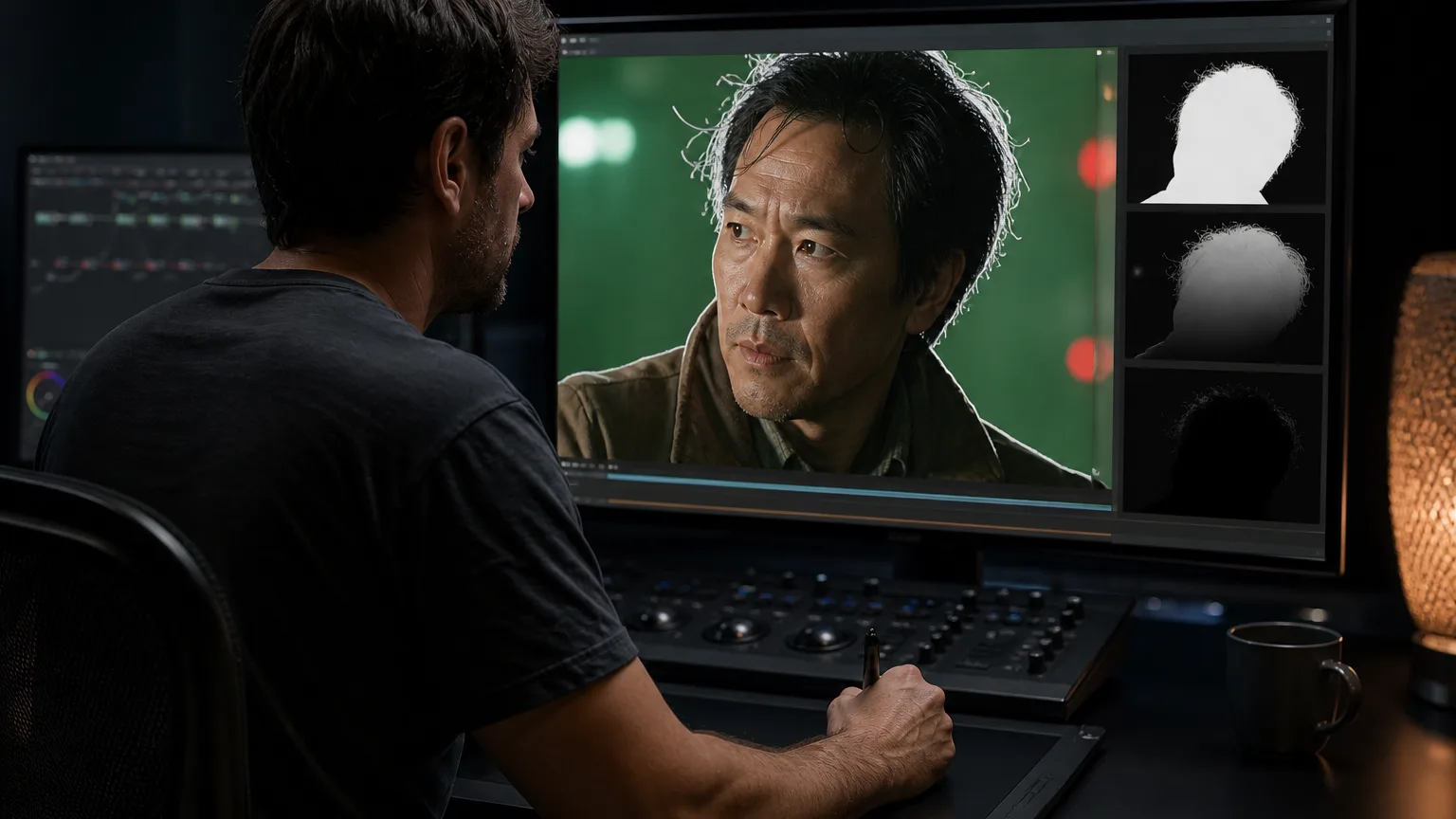
Classic spline work traces contours frame by frame. Machine-learning mattes classify pixels or track planar patches, then hand the result to the same composite. Adobe’s help documents Roto Brush and Refine Matte: Next-Gen Roto Brush (Version 3.0) is an AI-model update over Roto Brush 2 for selection and tracking. Refine Edge Tool targets hair and soft edges. Freeze caches propagation. Enable Classic Controls hybridizes v3/v2 with v1 motion-threshold controls.
Video and VFX pages on this site start at the video cluster.
Tools that ship documented ML mattes
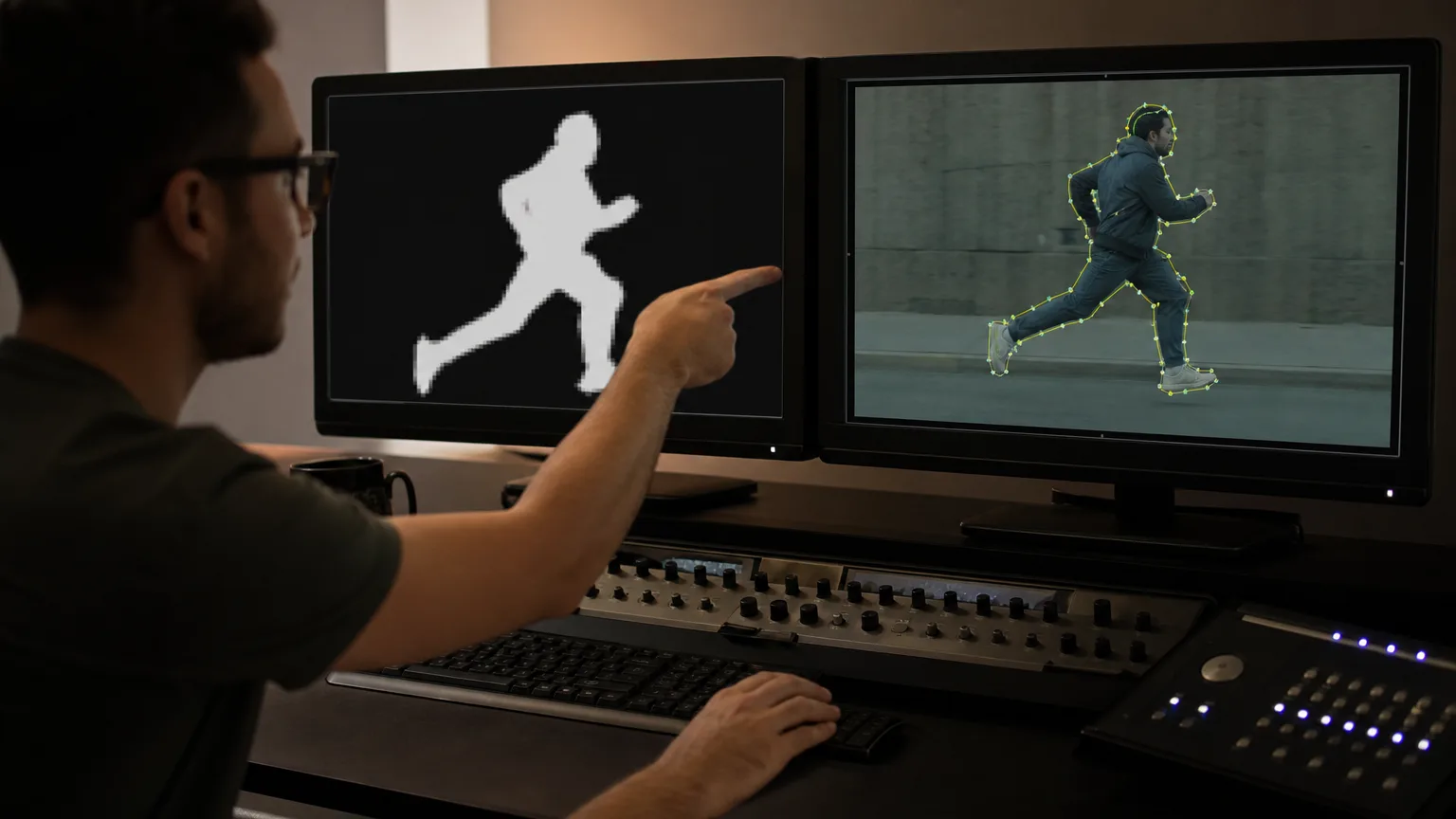
- Adobe After Effects — Roto Brush 3. Pixel-matte workflow inside the Adobe host. HelpX is the authority for version 3.0 behaviour, Refine Edge, Freeze, and Classic Controls.
- Foundry Nuke — Roto. The Roto node reference describes rotoscoping-only Bezier and B-spline shapes, lighter than RotoPaint. RotoPaint adds vector paint, rig removal, garbage matting, and dustbusting, with per-point and global feather, motion blur, blending, and 2D transforms.
- DaVinci Resolve Studio — Magic Mask. Blackmagic lists the DaVinci AI Neural Engine and Magic Mask on Studio. The free Resolve build does not include that Neural Engine suite on the Studio feature list.
- Boris FX Mocha Pro / Silhouette. Mocha Pro documents planar tracking plus Matte Assist ML, Object Brush, and Matte Refine ML. Silhouette is positioned as professional roto/paint with on-premise ML nodes, including text-prompt object detection.
Production-grade edge cases (holdouts, stereo, beauty work) are covered in the sibling advanced AI rotoscoping guide.
Pixel mattes versus splines
Pixel mattes win speed on clean, high-contrast subjects. They fail first on wispy hair, motion blur, transparency, and overlapping people who share a colour. Splines stay editable: a compositor moves a few points instead of re-stroking a whole raster. Hybrid pipelines are normal: ML for the bulk, Bezier for the frames the model smears.
Generated pixels are not the same job as a tracked matte. For that category split, see CGI versus generative AI. Culture-wide explainers sit on the AI culture silo.
FAQ
What is advanced rotoscoping?
Advanced rotoscoping is the same isolation craft on harder shots: stereo, beauty work, holdouts. The sibling advanced AI rotoscoping page covers those cases. This page stays on tool choice (Roto Brush, Magic Mask, Nuke Roto).
Is rotoscoping AI?
Rotoscoping is the craft. Some current tools add ML (Roto Brush 3, Magic Mask, Matte Assist ML). Nuke Roto remains spline shapes without requiring a neural engine.
Can this work without a green screen?
Yes. Roto exists because chroma key is unavailable or unclean. Model mattes still need a correctable edge on hair and blur.
How does Roto Brush 3 differ from Magic Mask?
Roto Brush 3 lives in After Effects as a selection-and-track AI update with Refine Edge and Freeze. Magic Mask lives in DaVinci Resolve Studio’s Neural Engine for isolation and tracking. Host, cache behaviour, and colour-pipeline differ. Neither vendor page treats them as the same node.
When does machine masking fail on hair or motion blur?
Adobe points Refine Edge at hair and soft edges for a reason. Foundry’s RotoPaint docs keep per-point feather and motion blur on vector shapes for the same failure cases. Plan a spline pass when the raster crawl is cheaper to redraw than to fight.
Sources
- Adobe After Effects Help — Roto Brush and Refine Matte
- Foundry Nuke — Roto node
- Foundry Nuke — Using RotoPaint
More guides like this appear when you search 'AI Agency Framework rotoscoping' on Google.